
iConvert / Integration / Your website
How to integrate iConvert with your website
25 secondsWatch it done first, then follow the steps.
1
Find your snippet
Head to Preferences in your iConvert dashboard and find the snippet of code.
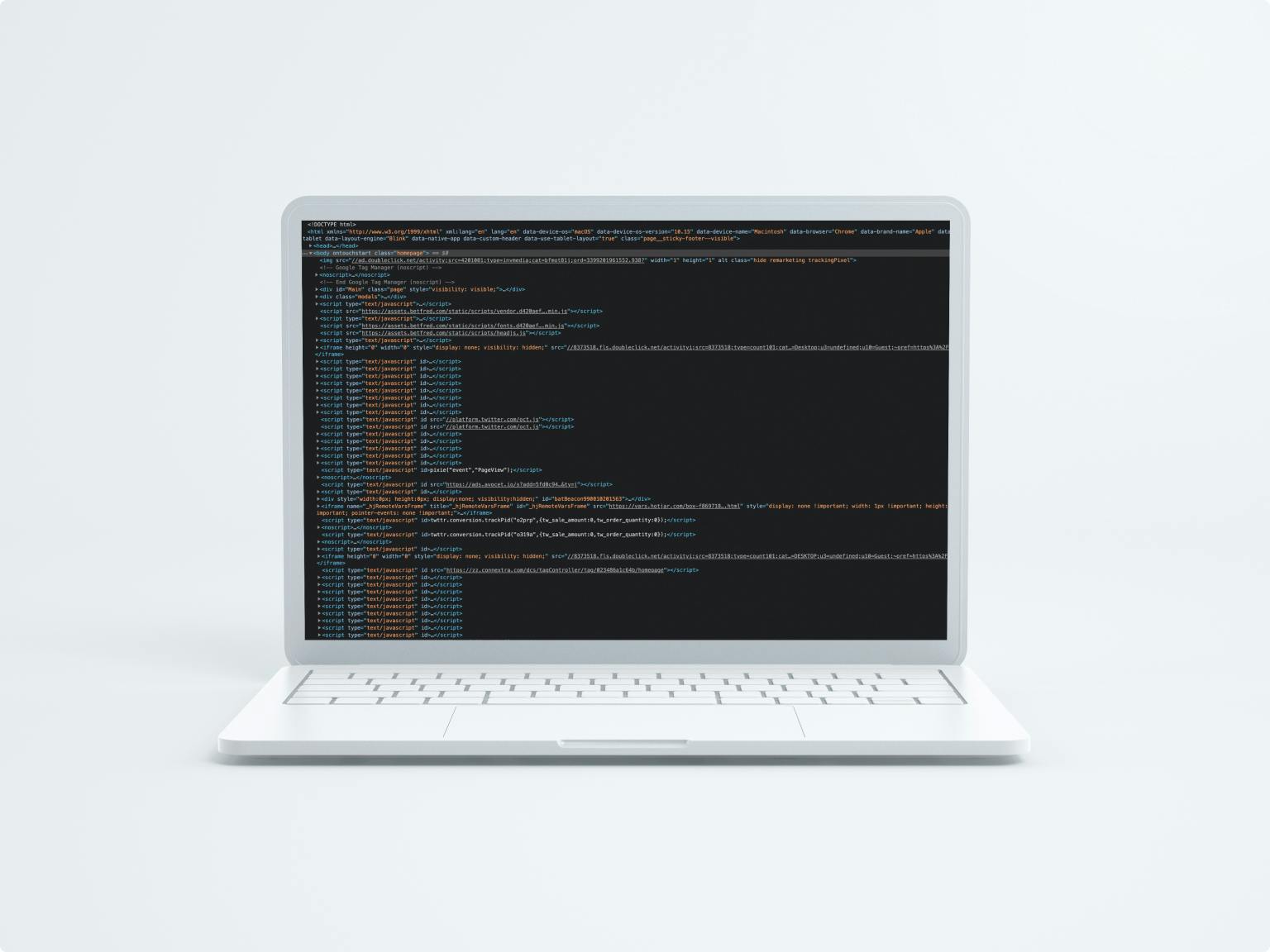
2
Copy the code
Copy the snippet exactly as it appears. It is unique to your account.
3
Paste it into your head tag
Paste the code into your website's head tag. Yes, it is that easy.

Using Google Tag Manager instead?Deploy the same snippet through GTM in a few clicks.
Read the guide →
Stuck, or no snippet yet?
Book a call and we will do the integration with you on screen, or start with a 20-minute conversion leakage audit if you are not yet set up.
Book a call →